
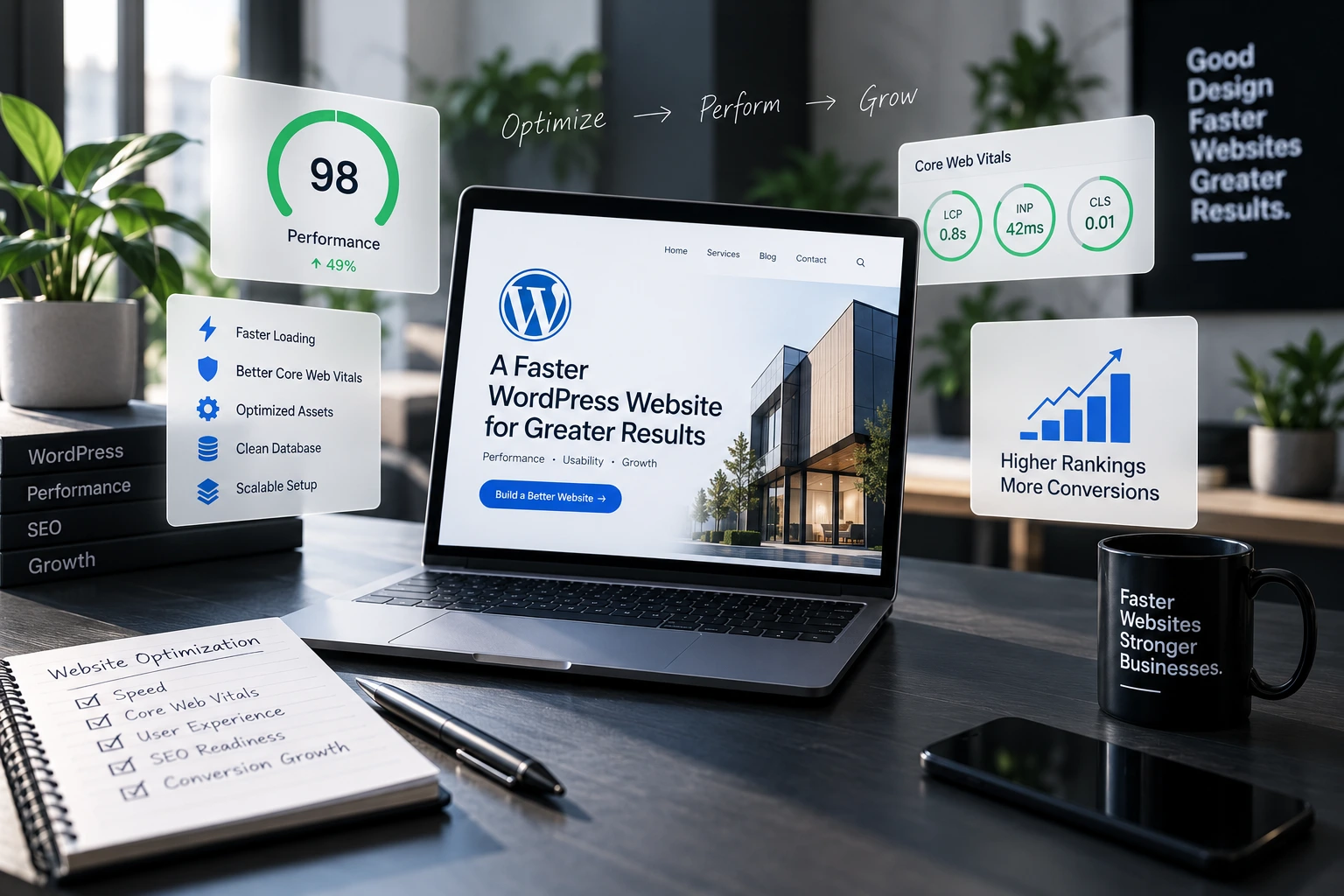
Short answer: WordPress speed optimization comes down to six things: good hosting, a lightweight theme, optimised images, caching, fewer and better plugins, and fewer third-party scripts. Fix them in that order and most WordPress websites become noticeably faster.
WordPress speed optimization checklist
- Measure first. Test your key pages in Google PageSpeed Insights and note your Core Web Vitals.
- Upgrade hosting. Cheap shared hosting is the most common cause of slow WordPress sites. Use managed or quality hosting with recent PHP.
- Use a lightweight theme. Avoid bloated multipurpose themes and heavy page builders on every page.
- Optimise images. Resize to the size shown, compress them and serve WebP or AVIF with lazy loading.
- Enable caching. Add page caching, browser caching and a CDN so pages are served quickly worldwide.
- Audit plugins. Remove anything you do not use, and replace heavy plugins with lighter alternatives.
- Limit third-party scripts. Chat widgets, trackers and embeds add delay; load them only where needed.
- Clean the database. Remove old revisions, spam and transients regularly.
How to speed up a WordPress website without breaking it
Always take a backup and test changes on a staging copy first. Caching and minification settings can break layouts or forms, so check your key pages after each change.
WordPress speed optimization tips for Core Web Vitals
- LCP: preload the main hero image and avoid large sliders above the fold.
- INP: reduce heavy JavaScript and long-running scripts.
- CLS: set width and height on images and reserve space for ads and embeds.
Want us to do it for you?
Our team handles speed optimisation as part of WordPress development and monthly website maintenance services.